
Quick Answer (Read This First)
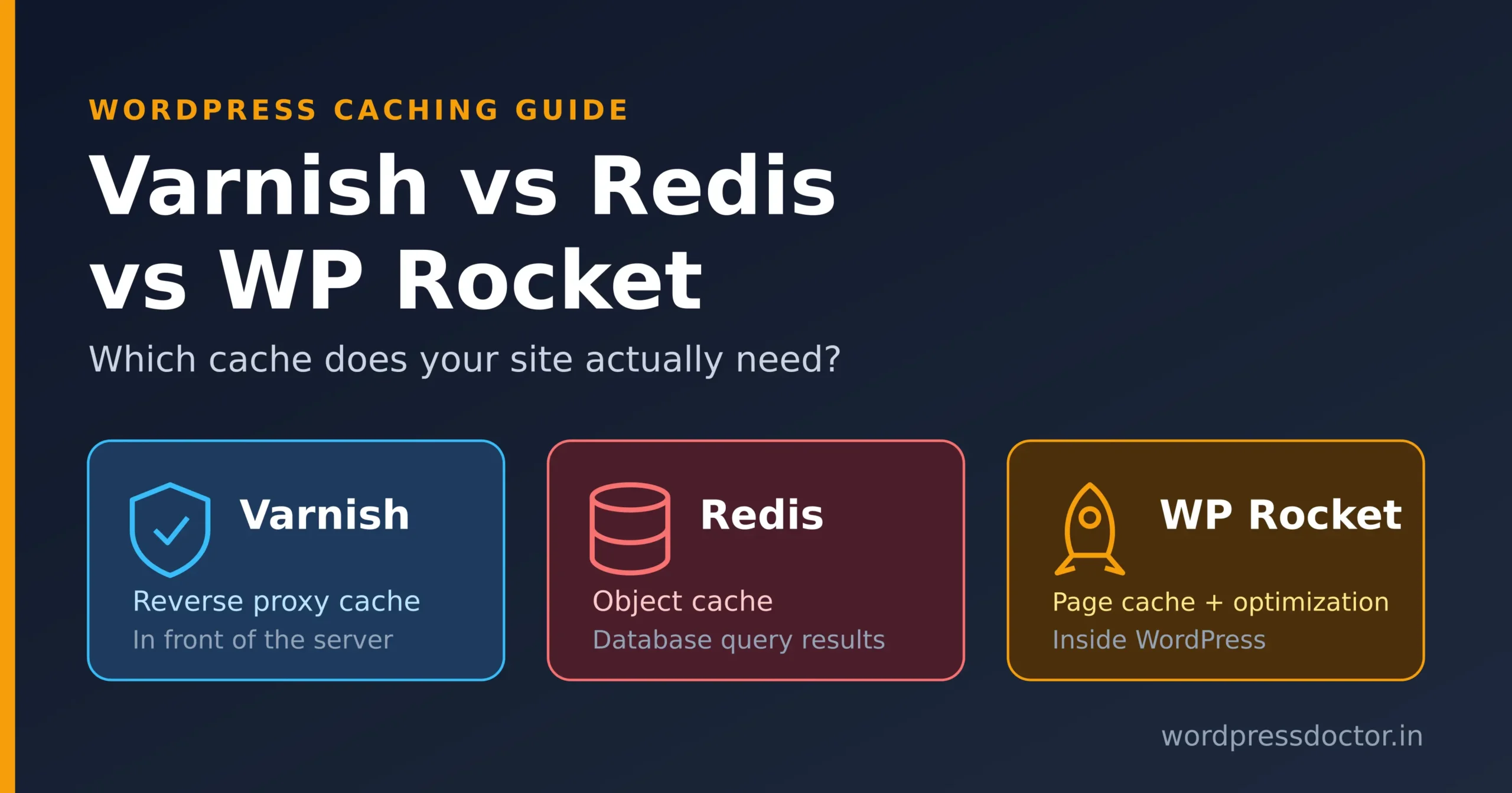
If you only have a minute, here is the short version. These three tools are not competitors. They cache at different layers, so the real question is not “which is best” but “which problem am I solving?”
- Most WordPress sites: WP Rocket alone is enough. It handles page caching and front-end optimization in one plugin.
- WooCommerce, membership or logged-in-heavy sites: Add Redis object cache on top, because page caching cannot help users who see personalized pages.
- High-traffic sites on your own VPS or server: Varnish can serve pages straight from RAM, but it needs server access and configuration.
- Never stack two full-page caches (for example Varnish plus WP Rocket page cache plus your host’s built-in cache) without checking they are not fighting each other.
Why Three Different Caches Exist
Every time someone opens a WordPress page, the server runs PHP, asks MySQL for data, builds the HTML and sends it back. That is slow and expensive when it happens for every single visitor. Caching means saving the result of that work and reusing it.
The confusing part is that you can save the result at three different points: the finished page, the database query results, or the request before it even reaches WordPress. WP Rocket, Redis and Varnish each live at one of these points. Once you see that, the comparison becomes much simpler.
What Is WP Rocket?
WP Rocket is a WordPress plugin that does page caching plus front-end optimization. It generates a static HTML copy of each page and serves that copy instead of running PHP and the database again. This is called page caching, and it is the single biggest speed win for most sites.
But WP Rocket does more than caching. It also minifies and combines CSS and JavaScript, delays JavaScript until user interaction, lazy loads images, removes unused CSS, preloads the cache and cleans the database. These are the settings that actually move your PageSpeed Insights and GTmetrix scores, because they reduce what the browser has to download and render.
Best for: blogs, business sites, portfolio sites and small to medium stores that want strong results without touching server settings.
What Is Redis?
Redis is an in-memory data store that WordPress uses as an object cache. Instead of running the same database query again and again, WordPress stores the result in RAM and reads it from there. It is installed at the server level and connected to WordPress through a plugin such as Redis Object Cache.
The key difference is that Redis does not cache the finished page. It caches small pieces of data that WordPress needs to build a page. That makes it valuable exactly where page caching fails: logged-in users, WooCommerce cart and checkout, wp-admin, search and any page that is different for every visitor.
Best for: WooCommerce stores, membership sites, LMS platforms and any site with heavy database activity. It will not improve your front-end scores much, so do not expect a PageSpeed jump from Redis alone.
What Is Varnish?
Varnish is an HTTP reverse proxy cache that sits in front of your web server. When a request arrives, Varnish checks whether it already has a copy of that page in RAM. If it does, it replies immediately and WordPress, PHP and MySQL are never touched.
This makes Varnish extremely fast for high-traffic sites, because it can handle thousands of requests per second. The trade-off is complexity. It is configured with VCL rules, it does not handle HTTPS by itself (it needs something like Nginx in front of it), and you need a purge plugin so that updated posts clear from the cache. Varnish also does nothing for CSS, JavaScript or image optimization.
Best for: large, high-traffic sites on a VPS or dedicated server where you or your host manages the server stack.
| WP Rocket | Redis | Varnish | |
|---|---|---|---|
| Type | WordPress plugin | Object cache (in-memory database) | Reverse proxy page cache |
| What it caches | Full HTML pages and static files | Database query results | Full HTTP responses |
| Where it works | Inside WordPress | Between WordPress and MySQL | In front of the web server |
| Front-end optimization | Yes (minify, delay JS, lazy load) | No | No |
| Helps logged-in users | Limited | Yes | Limited |
| Needs server access | No | Yes | Yes |
| Difficulty | Easy | Medium |
Can You Use Them Together?
Yes, but only certain combinations make sense. WP Rocket plus Redis is the most common and safest pair, because they solve different problems: WP Rocket serves cached pages to visitors, and Redis speeds up everything that cannot be page cached.
Varnish plus WP Rocket is possible, but WP Rocket has to be set up so it purges Varnish correctly, and you should avoid caching the same page in two places. If your host already includes its own server-level cache (LiteSpeed hosting is a common example), check its documentation before adding another full-page cache on top.
Common Mistakes to Avoid
- Expecting Redis to fix a slow PageSpeed score. It speeds up the backend, not what the browser loads.
- Running two page caches at once. This causes stale pages, double minification and strange layout bugs.
- Forgetting to exclude cart, checkout and account pages from page caching on WooCommerce sites.
- Installing Varnish without a purge setup. Visitors keep seeing old content after you update a post.
- Testing only the homepage. Always test a product page, a logged-in page and the checkout.
Which One Should You Choose?
- Small blog or business site: WP Rocket.
- WooCommerce or membership site: WP Rocket plus Redis.
- Very high traffic on your own server: Varnish, with Redis behind it, and WP Rocket for front-end optimization.
- Not sure what your host supports: ask support whether Redis or a server-level cache is already available before installing anything.
Final Thoughts
The simplest way to remember it: WP Rocket makes the page lighter, Redis makes WordPress think faster, and Varnish makes the request skip WordPress entirely. Pick based on the problem you actually have, measure before and after with GTmetrix or PageSpeed Insights, and add one layer at a time. Most sites never need all three.